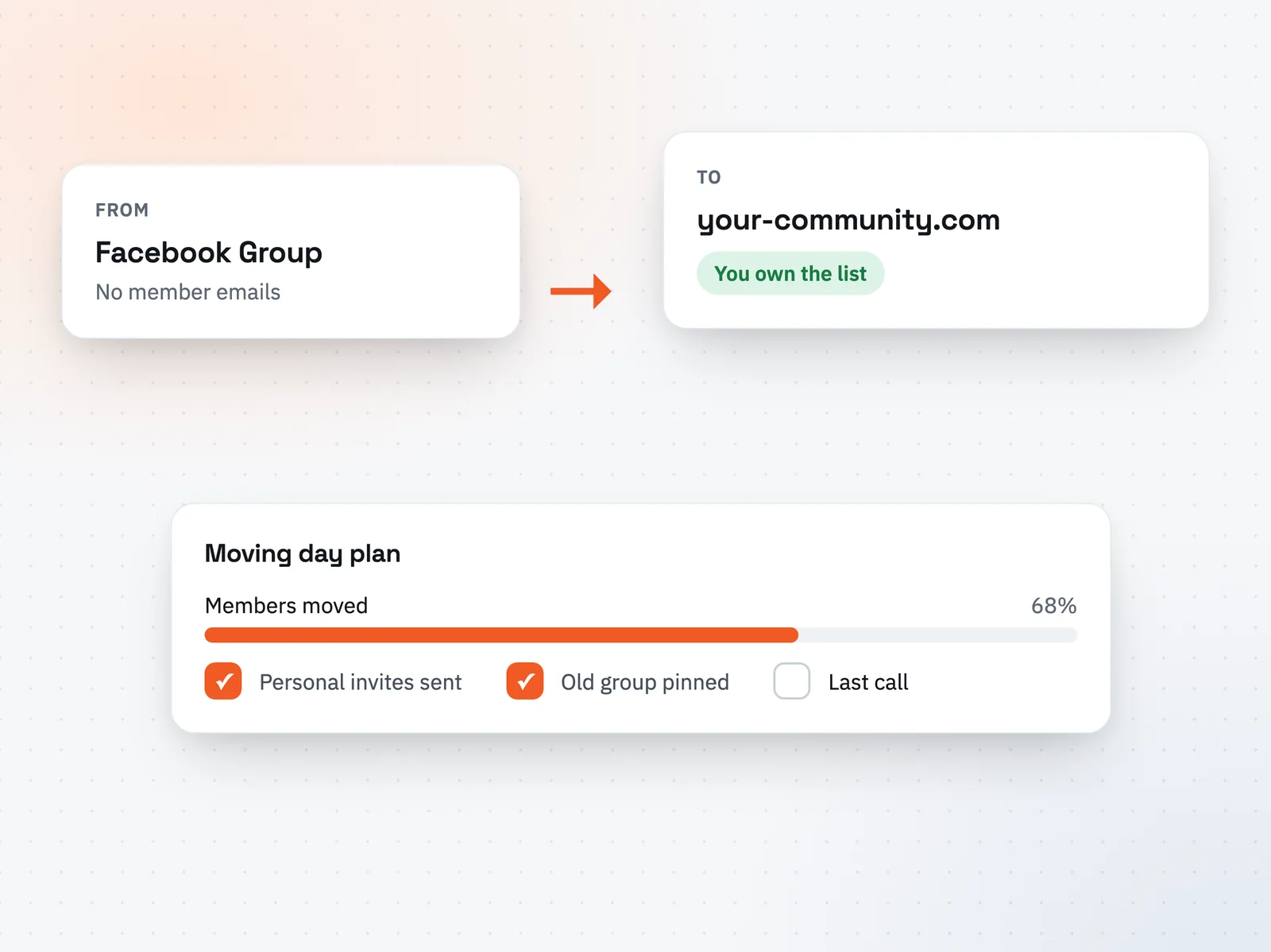
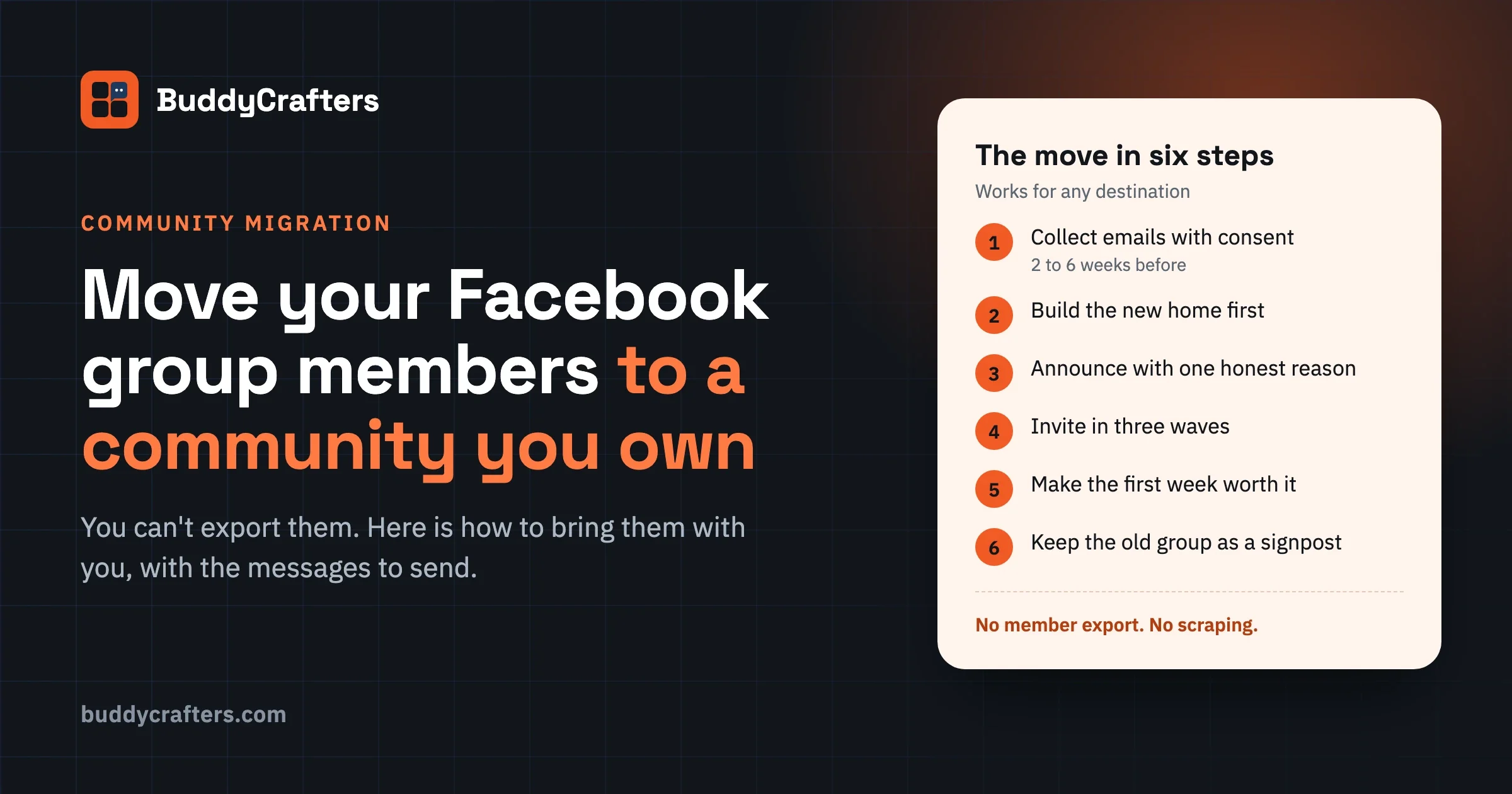
Rising fees, a platform that changed its rules, features you cannot add, or a community that has become a business you do not fully control. The reason that matters most is ownership: on a social platform you cannot even email your own members. Moving is how you get that back.
A final sync on the day, then a check-in after the first weeks.
Questions
Will I lose members?
Some members never move, on any platform. Personal invites, a new home that is already active on day one, and keeping the old space read-only for a while keep the loss small.
Can paid subscriptions move?
Card details cannot be moved between most payment set-ups, so members usually re-subscribe on the new platform. Plan the timing so nobody is charged twice.
Where do you migrate communities to?
To a self-hosted community on your own domain, built on BuddyNext, with courses (Learnomy), events (Eventonomy) and media as needed. These are Wbcom Designs products; BuddyCrafters is part of Wbcom Designs.