How to Move Facebook Group Members to a Community You Own (Without Losing Them)
You can't export a Facebook group's members or their emails. Here is how to move them anyway: collect emails with consent, build the new home first, then invite in three waves, with the exact messages to send.
You cannot export a Facebook group’s members or their email addresses. Facebook gives group admins no download of the member list, and the browser extensions that promise one scrape profiles in ways that likely break Facebook’s terms, collecting contact details nobody agreed to share. So to move Facebook group members, you invite them, one way or another, and make the new place worth the click.
This guide covers the people side of a move: how to start collecting emails with consent, when to announce, the exact messages to send, and what to do with the old group afterwards. It works whether you are heading to Circle, Skool, Mighty Networks, Discord or a community on your own website.
The short version, if you only read one part:
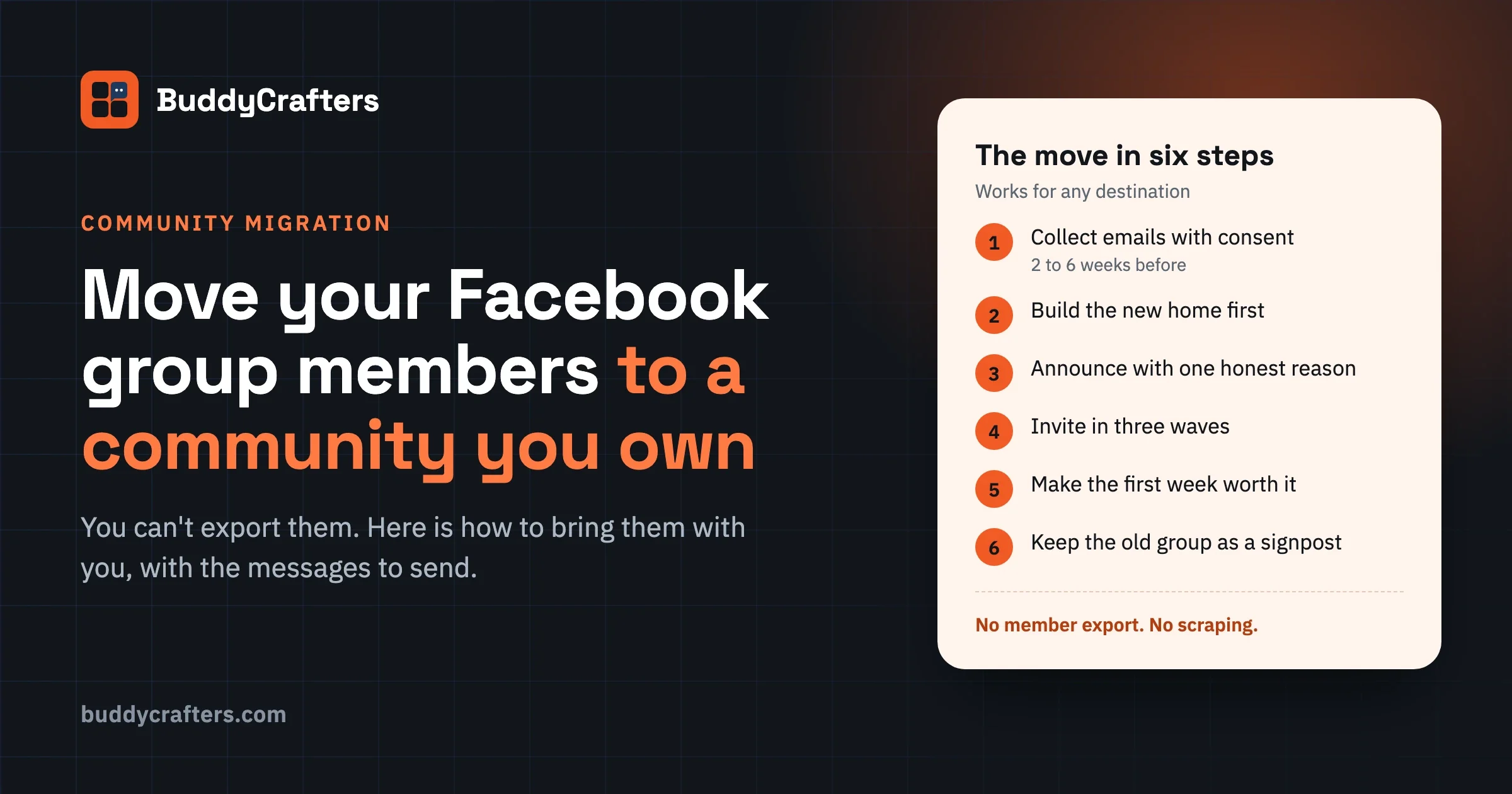
- Start collecting emails now, with a membership question and a pinned sign-up post, weeks before you announce anything.
- Build the new home first, so the first people to arrive find conversation, not empty rooms.
- Announce the move with one honest reason and a date.
- Invite in three waves: the announcement, a reminder a week later, and a last call.
- Make the first week worth it: greet every arrival by name and run one live session.
- Keep the old group open but quiet, with the new link pinned, until activity there stops.
Our free Community Migration Checklist has all of this as a printable list, with notes for Discord, Mighty Networks, Circle and Skool too.
Can you export Facebook group members?
No. A regular Facebook group has no built-in way to download your members, their email addresses or a file you could import somewhere else. You can see who is in the group, and you can read the answers each person gave to your membership questions when they joined. That is where Facebook stops.
This surprises a lot of admins, because they built the group. But the members joined Facebook, not you. Their contact details belong to their Facebook accounts, and Facebook keeps them.
What about the export tools in the Chrome store?
Search for this and you will find a long list of extensions that claim to export group members to Excel or CSV. They work by reading the member pages in your browser and copying what they see. That usually gives you names and profile links, not email addresses, and it raises two problems.
First, automated collection of data from Facebook is against its terms, so you are risking the very account and group you are trying to move away from. Second, an email address someone never gave you is not a list you should use. Writing to people who did not agree to hear from you is how a migration announcement ends up in spam folders. In the EU, GDPR requires consent for most marketing email, and in the US the CAN-SPAM Act still requires an honest sender, a postal address and a working unsubscribe link in every message.
The good news is that you do not need a scraped list. You need members who choose to come, and that list you can build properly.
Is there a way to transfer members to another group or site?
Not directly. Facebook has no button that moves members from one group to another, or from a group to any website. Even moving to a different Facebook group means inviting people and waiting for them to join.
Every route works the same way:
- You give members a link and a reason to use it.
- They create an account on the new platform, or join it.
- You repeat the invitation enough times that busy people notice.
Once you accept that, the job gets clearer. A migration is a short campaign, run over a few weeks, aimed at people who already like your group. That is a much easier audience than strangers.
Before you announce: where are they going?
Pick the destination before you say a word to members. Changing your mind after the announcement costs you trust you will need for the invites.
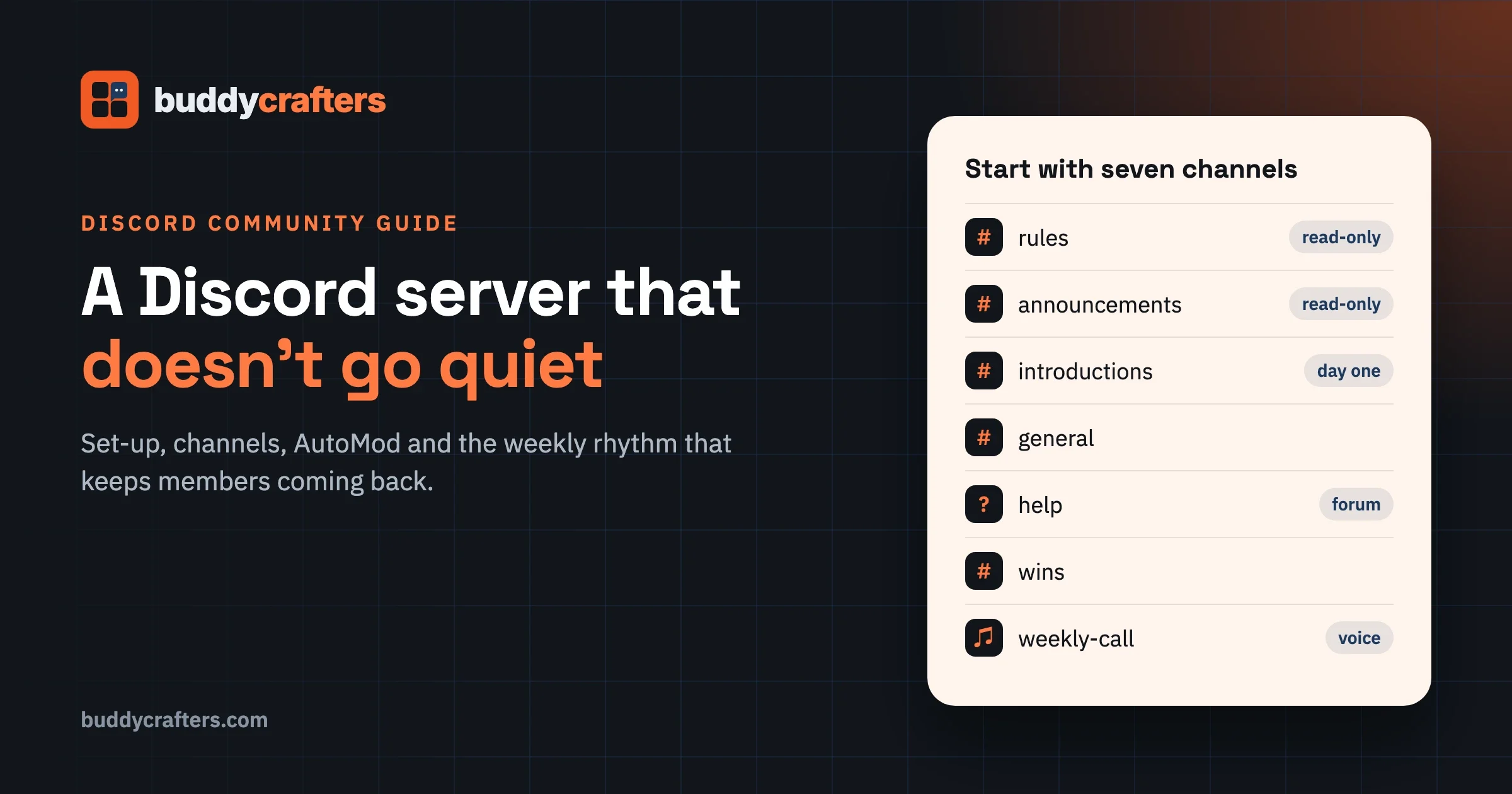
There are four kinds of place a Facebook group usually moves to, and they suit different groups:
Destination | Good for | Watch out for |
|---|---|---|
Hosted community app | Getting live in a day with no upkeep | Monthly fees that grow with your community; check what you can export later |
Chat server | Fast, live conversation | The same ownership problem: no member emails, and old answers are hard to find |
Course platform with a community | Groups built around a course | Community features are often secondary to the course |
Your own website | Owning the member list, the brand and the rules | Set-up time and someone to look after it |
If you are not sure, our free Platform Finder Scorecard walks through five questions, from who owns the member list to who will maintain it. For the cost and control trade-off in detail, read self-hosted vs hosted community platforms.
One rule applies whatever you pick: the new home has to give members something the group does not. Searchable answers, a members-only area, events, a course, a calmer feed. “We are moving because Facebook” is your reason. Members need one of their own.
How to move Facebook group members, step by step
The six steps below run in order over four to eight weeks. Skipping the first two is the reason most moves stall.
Step 1: Start collecting emails now
Begin two to six weeks before you announce the move. The longer a group has been running, the more lead time it needs, because many members only look in occasionally.
Add a membership question that asks for an email
Facebook lets admins ask new members questions before approving them. Use one of them for an email address, and say plainly what it is for. For example:
What email should we use to send you the group’s monthly roundup and important updates? We never share it, and you can unsubscribe any time.
Facebook does not export these answers, so you will copy them into your email tool or a spreadsheet as you approve people. It is slow. It is also the only list you will have that people knowingly gave you, which makes it worth the effort.
Ask existing members with a pinned post
Membership questions only catch new joiners. For everyone already inside, pin a post with a short sign-up form on a page you control. Give them a reason that has nothing to do with the move yet:
- a monthly email of the best threads, so they stop missing things in the feed
- a free download that fits the group’s topic
- early access to an event or live session
Re-share it every week or two. Most members will not see a post the first time, because the Facebook feed decides what they see, not you.
Use every live event as a sign-up
If you run live sessions, take registrations through your own form instead of a Facebook event. Every registration is a person who wants to hear from you, with an email address attached.
By the time you announce, you want as many of your active members as possible on that list. Not your total member count. Your active members: the people who post, reply or show up.
Step 2: Build the new home before the first invite
The most common way a move fails is simple. Members click the link, find a blank space with three welcome posts, and go back to Facebook. The new home has to feel alive on day one.
Before anyone from the group sees it:
- Create a few spaces, not many. Recreate the three to five topics your group actually talks about. Do not copy every old unit or channel.
- Write the welcome post. Tell a new arrival exactly what to do first: introduce yourself, answer one question, join a thread.
- Move the content worth keeping. Your best guides, files and recurring threads, labelled clearly. Old chatter can stay behind.
- Seed real conversation. Post ten to fifteen genuine questions and resources, so the first visitor has something to read and reply to.
- Bring ten trusted members in early. Ask your most helpful members to join a week ahead and post. Their names on the first page matter more than any design.
- Test joining on a phone. Ask someone who has never seen it to sign up on their phone while you watch. Fix every place they hesitate.
Turn on email notifications for replies and a weekly digest, too. Facebook nudges your members all day. The new home needs its own way to say “someone answered you”, or people will simply forget it exists.
Step 3: Announce the move
Write the announcement as a person, not a press release. Say why you are moving, what members get from it, what stays the same, and when it happens. Short beats thorough.
A version you can adapt:
Big news: we are moving the group to our own home at [link] on [date].
Why: Facebook decides who sees our posts, and good answers disappear in the feed within days. In the new space everything is searchable, nothing is hidden by an algorithm, and [the one thing members get, such as a members-only library or monthly live calls].
What stays the same: the same people, the same rules, and it is still free.
Join here: [link]. It takes a minute. Some of the regulars are already there, come and say hello.
Pin it to the top of the group, mark it as an announcement, and send it to your email list on the same day. Then post it again a few days later with a different first line, for everyone the feed did not show it to.
If your group is paid, or you plan to charge in the new home, say so in this first message. A price that appears later feels like a trick, even when it is fair.
Step 4: Send the invites in three waves
One announcement moves your most engaged members. Everybody else needs to hear it more than once. Plan three waves over about two weeks.
Wave 1: the announcement (day 0)
The pinned post and the email above. Watch who joins in the first two days: these are your helpers for the next waves.
Wave 2: personal invites (days 3 to 10)
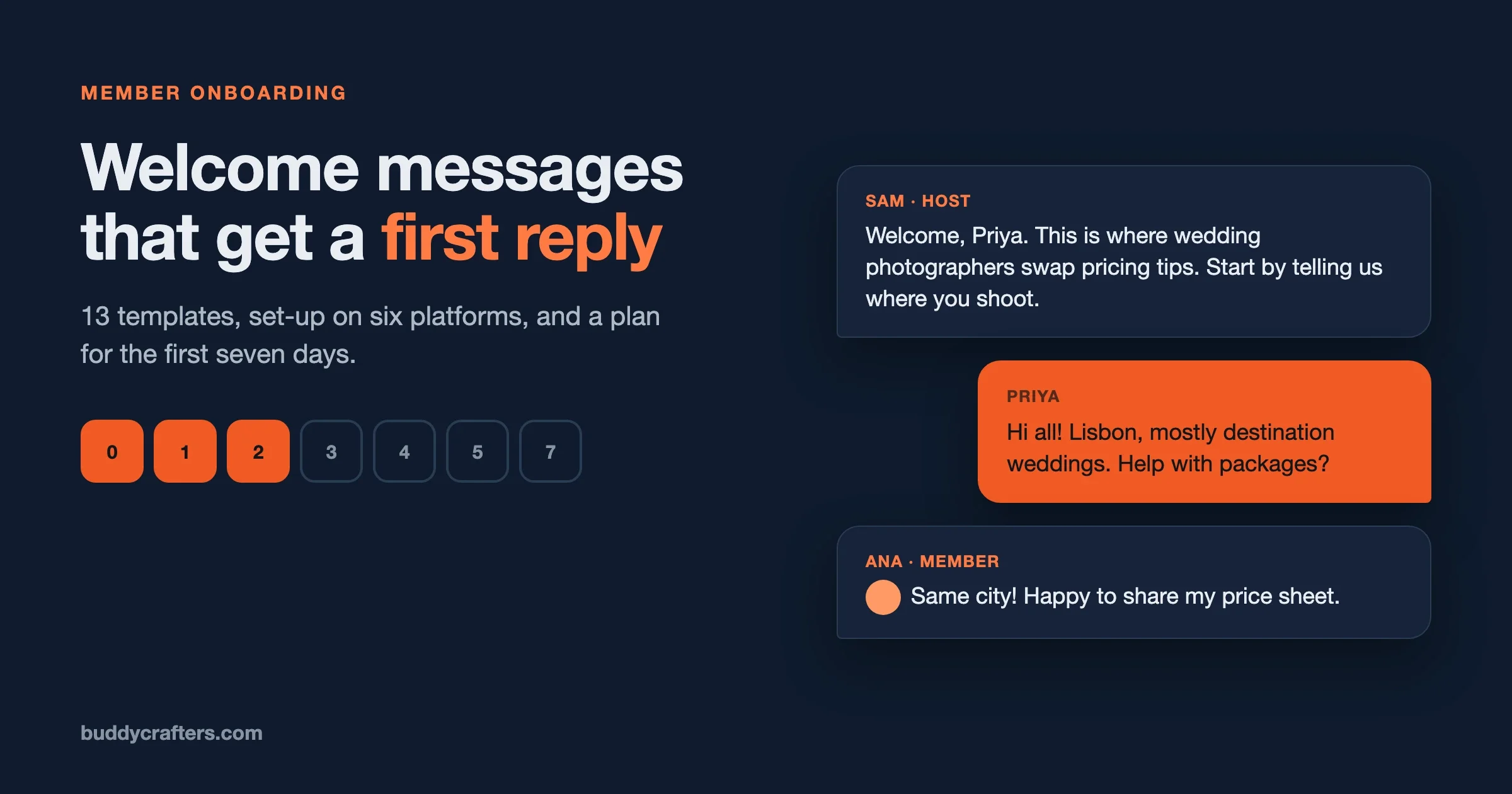
This is where most of the move actually happens. Message your most active members one by one. A personal message gets read in a way a group post never does.
Hi [name], you have answered more questions in the group than almost anyone, so I wanted to ask you personally. We are moving to [link] and it would mean a lot to have you there early. Your post about [topic] is one I would love to see pinned in the new space.
Refer to something real they posted. A copied message with only the name changed reads exactly like one.
Wave 3: last call (around day 14)
Post a final reminder in the group and email the list. Mention what is already happening in the new home, because evidence works better than urging:
Last call: from [date], new posts and events happen at [link], not here. Already this week: [two real threads or events]. The group stays up as an archive, but this is where we will be.
Can you message every member of a Facebook group at once?
No. Facebook has no feature for sending a direct message to every group member, and messaging a large number of people who are not your friends in a short time can get your account limited. Do not try to message everyone.
Prioritise instead. Your fifty most active members are worth more personal messages than your five thousand quiet ones. The quiet majority will follow the announcement, the email and the pinned post, or they were never going to move.
Step 5: Make the first week worth coming for
Arriving is not the same as staying. The first week in the new home decides whether members come back.
- Greet every arrival by name for the first two weeks. It is tiring. It is also the single thing people remember.
- Run one live session in the new home in week one: a Q and A, a workshop, an open call. Give people a reason to be there at a specific time.
- Give a first action: introduce yourself, share one goal, post a photo. Something small that makes them a contributor, not a visitor.
- Answer fast. Aim for every new post to get a reply within a day, from you or a helper.
Our guide to building an online community covers the habits that keep a new space active past the first month, and the free Community Launch Checklist turns them into steps.
Step 6: What happens to the old Facebook group?
Do not delete it. Deleting the group removes the archive members still search, and it removes your best signpost to the new home.
Instead:
- Keep the new link pinned at the top and in the group description.
- Slow the group down. Turn on post approval, or use Facebook’s admin settings to limit or pause new posts. Check the current options in your group settings, as they change from time to time.
- Answer new posts with a pointer: “Great question, we are answering these at [link] now.”
- Check activity monthly. When nothing has happened in the group for a few months, archive it.
New people will keep finding the old group through Facebook search for a long time. Every one of them is a member you can still bring across.
How many of your members will actually move?
When you move Facebook group members, fewer arrive than the group’s member count suggests, and that is fine. Facebook member counts include everyone who ever clicked join, many of whom have not opened the group in years. They were never really there.
Measure the move against your active members instead: the people who posted, replied or reacted in the last few months. If most of them come with you, the move worked, whatever the headline number says.
Two numbers are worth tracking each week during the move:
- Sign-ups in the new home, compared with your count of active members in the group.
- Posts and replies in the new home, compared with the group over the same week.
When the new home has more weekly activity than the group, you are past the hard part.
What to say when members do not want to move
Some members will push back, usually in the comments under your announcement. Answer each one in public, kindly and briefly. Other members are reading your reply more closely than the person who asked.
“I don’t want another app.”
This is the most common objection and the most reasonable one. Say what they get for the extra step, in their terms: answers they can find again, no ads, nothing hidden by an algorithm. Then make the step small. If the new home works in a phone browser without an app, say so. If it sends a weekly email digest, say they can read along without logging in at all.
Totally fair. You don’t need an app: it works in your phone’s browser, and the weekly email shows you the best threads without logging in.
“Everyone is here already.”
That is exactly why you are moving them together. Show that people are already there: name a few regulars (with their permission) and link to a real thread. A crowd moves when it sees part of itself has already moved.
“I’ll lose my posts and connections.”
Be honest that posts do not move automatically. Tell them which guides and resources you have copied across, and that the old group stays open as an archive, so nothing they wrote disappears. Connections come with them: the people they talk to are the people you are inviting.
“Is this a way to start charging us?”
If it is free, say it stays free. If you plan to charge for something, say what, when, and what stays free. Members forgive a fair price. They do not forgive finding out later.
“I don’t trust a new site with my details.”
Say what you collect, why, and who can see it, in two sentences. Link to the privacy page. Offer a way to join with only a name and an email. People who have seen their data handled carelessly on big platforms often appreciate a straight answer more than anyone.
And some members will not move, whatever you say. Let them stay in the old group without pressure. A friendly exit keeps the door open; plenty of people come across months later, when the group goes quiet and the new home is the place where things happen.
Five mistakes that lose members
Mistake | What happens | Do this instead |
|---|---|---|
Announcing before collecting emails | You rely on the feed to reach people, and most never see it | Spend two to six weeks building a list first |
Inviting people to an empty space | The first visitors leave and do not come back | Seed real posts and bring helpers in a week early |
One announcement, then silence | Only your most engaged members move | Three waves, plus personal messages to active members |
Deleting the old group | Late movers and new searchers lose the way across | Keep it open, quiet and pointing to the new home |
Scraping member details | Spam complaints, a limited account and a list you cannot legally use | Collect emails with consent, from people who want to hear from you |
Where our tools fit
BuddyCrafters is part of Wbcom Designs, and we make community software, so here is where it comes in and where it does not.
If your scorecard points to a hosted app or Discord, everything in this guide applies as it is, and you do not need anything from us. If it points to your own website, our BuddyNext is a self-hosted community engine for WordPress: member profiles, groups, an activity feed and messaging on your own domain, with the member list in your own database. We also plan and run community moves for groups that want it done for them; the Migrations page explains how that works.
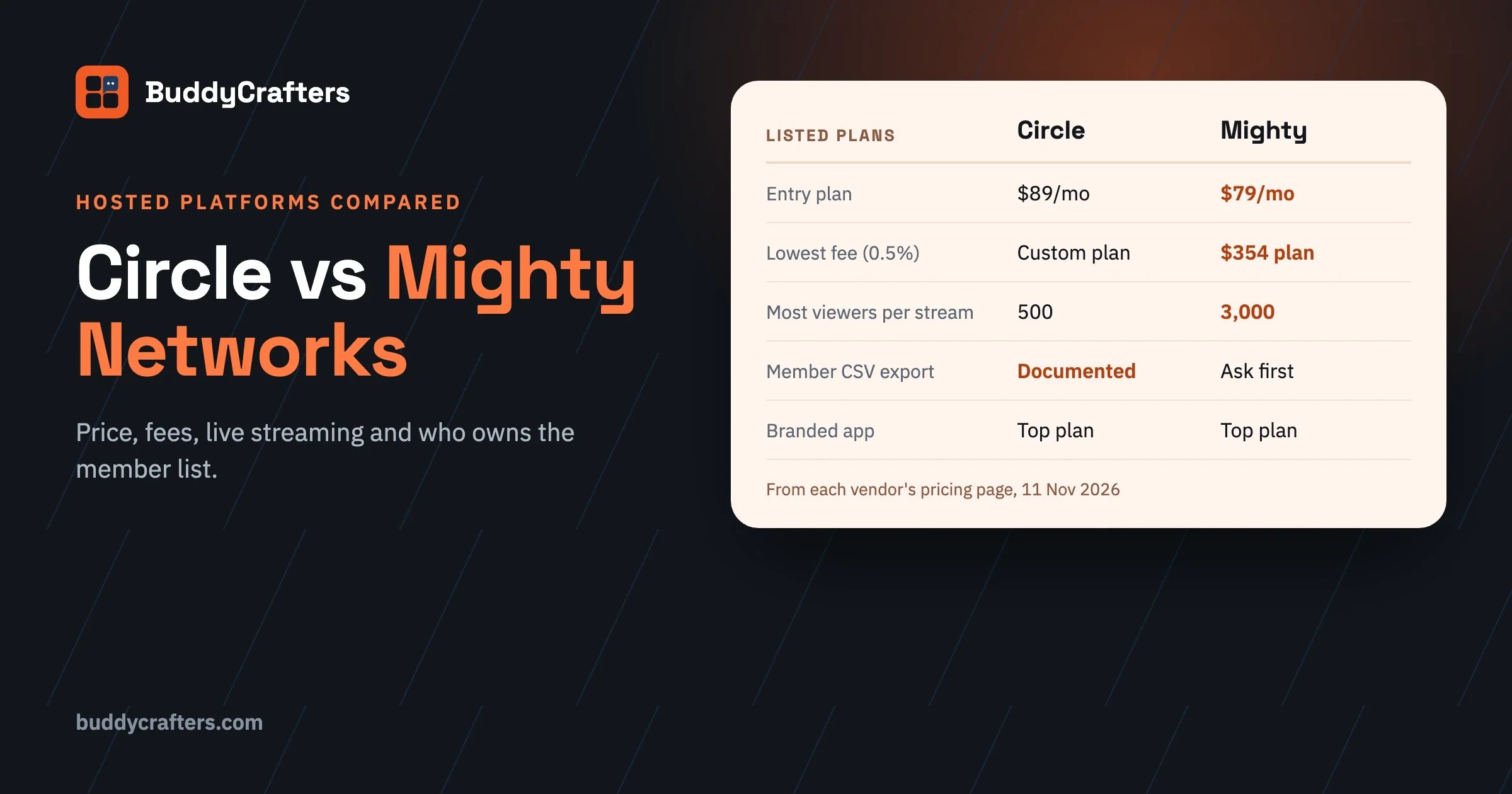
If you are still choosing a platform, two of our sister sites cover that decision in depth: a 60-day plan for moving a Facebook Group to a WordPress community, and a comparison of Circle, Skool, Mighty and BuddyPress for a paid community.
Frequently asked questions
Can I download a list of my Facebook group members?
No. Facebook does not offer group admins a download of members or their emails. You can view members and their answers to membership questions inside the group, and copy what people gave you with their consent.
Is it legal to use emails collected through membership questions?
It can be, if people knowingly gave them and you told them what you would use them for. Say it in the question, give an unsubscribe link in every email, and follow the email rules where your members live. When in doubt, ask people to confirm by signing up on your own form.
How long should a Facebook group migration take?
Plan four to eight weeks: two to six weeks collecting emails and building the new home, then about two weeks of invites. Larger or older groups need the longer end.
Should I keep posting in the old group?
Only to point people to the new home. If the best conversations keep happening in the group, members have no reason to leave it.
Can I move my group’s posts and files?
Not automatically. Copy across the guides, files and threads that are still useful, and label them as archive content. Most day-to-day posts are not worth moving; the people are what you are really bringing.
Get the checklist
Everything above, as a printable list you can tick off, is in our free Community Migration Checklist. It also has notes for moving from Discord, Mighty Networks, Circle and Skool. And if you would rather have the move planned and run for you, tell us about your group.
Plugins we build and run
We maintain these ourselves, which is why we can support them on your site.
- BuddyNextThe self-hosted community engine for WordPress
- BuddyXFree community theme, Pro when you outgrow it
- ReignPremium community theme. Add pieces, build anything
- JetonomyCommunity forum and Q&A for WordPress
- EventonomyEvents and RSVPs for WordPress communities
- LearnomyCourses and learning communities on WordPress
- ListoraDirectories and listings your members can browse
- SnipShareCode sharing built for developer communities
- WB Ad ManagerAd placements that turn traffic into revenue
- WP Career BoardA job board your community actually uses
- WP Sell ServicesSell services with offers, orders, and payouts
- MediaVersePhotos, video, and media albums for members
- WB GamificationPoints, badges, and rewards that keep members active
- Product RoadmapPublic roadmaps with voting your users trust