Welcome Messages for New Community Members: Templates and a First-Week Plan
Welcome message templates you can copy for any community, how to set up welcomes on Facebook Groups, Discord, Slack, Skool, Circle and your own site, and a day-by-day plan for a new member's first week.
A good welcome message for new members does three things: it uses their name, it gives them one small thing to do, and it shows them a real person is there. Send it within a few hours of someone joining, then follow it with a simple plan for their first week. That first week decides whether a new member becomes a regular or quietly never comes back.
This guide gives you welcome message templates you can copy for any kind of community, the steps to set up welcomes on Facebook Groups, Discord, Slack, Skool, Circle and your own website, and a day-by-day plan for the first seven days.
If you only take one thing away: a welcome that asks for one small action beats a long welcome that asks for nothing.
What should a welcome message for new members say?
Keep it short and specific. A new member is deciding, in the first minute, whether this place is worth their time. Every line of the welcome should help them decide yes.
The welcomes that work have five parts:
- Their name. Not “Hi everyone” or “Welcome new members”. Their name, so it reads as written for them.
- Why they are in the right place. One sentence about what this community is for, in plain words.
- One thing to do first. Introduce yourself, answer a question, join this week’s thread. One, not five.
- Where to get help. A pinned post, a channel, or your name.
- A human sign-off. Your name, not “The Team”. People reply to people.
Here is the difference in practice:
Weak welcome | Strong welcome |
|---|---|
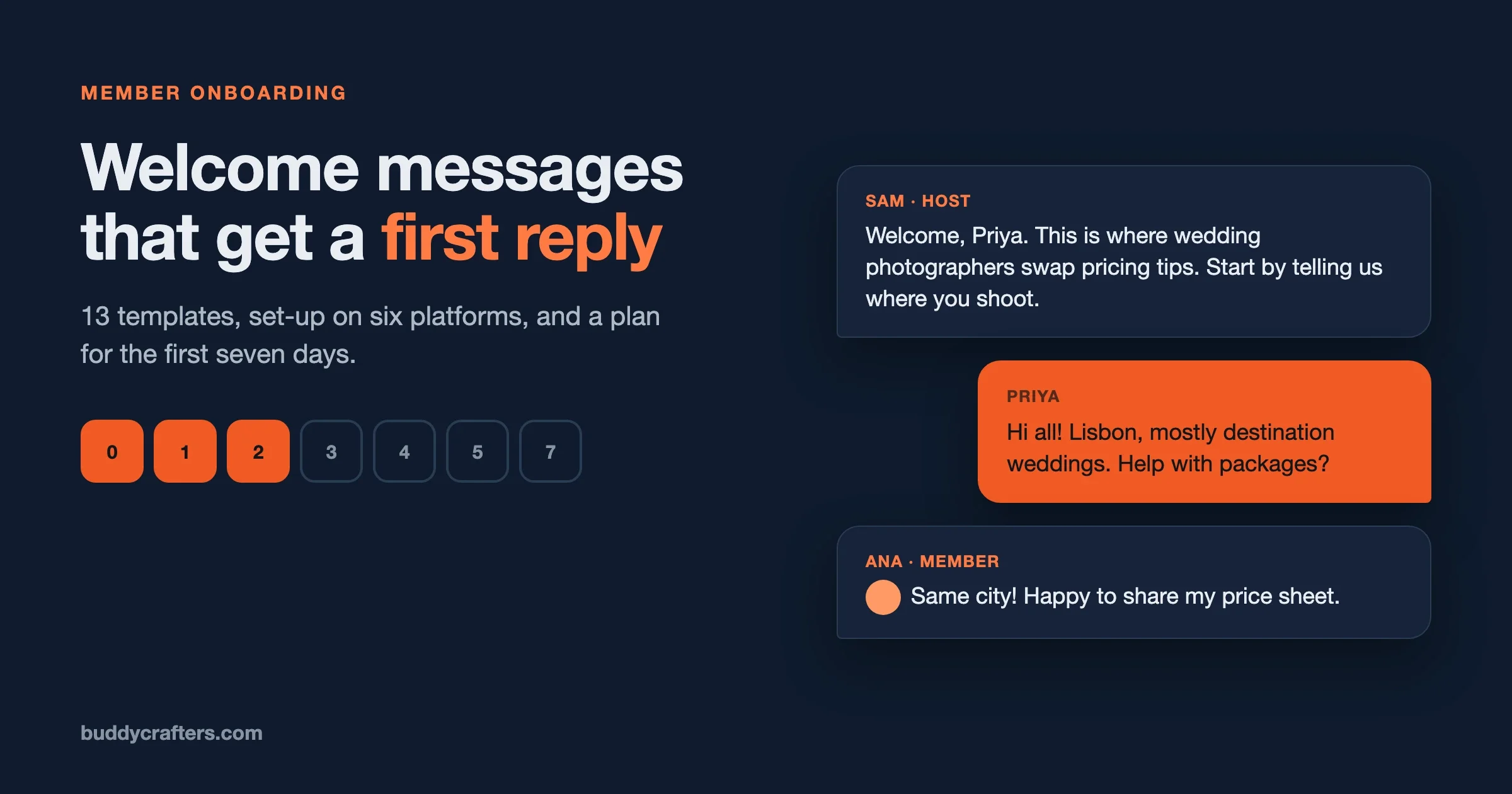
“Welcome to the group! Please read the rules and enjoy.” | “Welcome, Priya. This is where wedding photographers swap pricing and client tips. Start by telling us where you shoot and what you’d like help with this month. Any questions, ask me. Sam” |
A list of ten links | One link to the single most useful post |
Sent days later, in a batch | Sent within hours of joining |
Signed “Admin” | Signed by a person, with a face if the platform shows one |
A rule we use everywhere: if a new member could not tell, from your welcome alone, what to do in the next five minutes, rewrite it.
Welcome message templates you can copy
Swap the words in brackets for your own. Each template keeps to the five parts above. Pick the one closest to your community and make it sound like you.
1. Public welcome post (for a group feed)
A big welcome to everyone who joined this week: [names]. This is the place for [what the community is for]. To get started, reply below with [one specific thing: where you’re based and what you’re working on]. We read every reply.
2. Private welcome message (DM)
Hi [name], welcome to [community]. I’m [your name], I run the place. The quickest way to get value here is [one action, for example: posting your first question in #help, people answer fast]. If you get stuck on anything, reply to this message and it comes straight to me.
3. Welcome email
Subject: You’re in, [name]. Here’s where to start
Welcome to [community]. You joined because you want [the outcome members come for]. Here’s the one thing to do today: [action with a link]. It takes two minutes, and it’s how most members find their first useful conversation. Tomorrow I’ll send you the three posts members say helped them most. [Your name]
4. Paid membership welcome
Welcome, [name], and thank you for joining. Here’s what your membership includes: [two or three items]. Start with [the single most valuable thing, for example: this week’s live session on Thursday at 6pm]. Your login works at [link], and if anything about billing or access is unclear, email me directly at [address].
5. Course or cohort welcome
Welcome to [course name], [name]. Our cohort starts on [date]. Before then, please do one thing: introduce yourself in [space] with what you hope to get out of the course. On day one we’ll pair you with two classmates, so the more we know, the better the match.
6. Professional association or network
Welcome to [network], [name]. Members here are [who they are: independent accountants across the UK]. Most people start by adding their specialism to their profile, so others can find them, then joining the monthly [event]. The next one is on [date]: [link].
7. Hobby or interest community
Welcome, [name]! Glad you found us. Post a photo of [what members share: your current build, your last bake, your setup] in the weekly thread and say hi. No question is too basic here; everyone started somewhere.
8. Customer or product community
Welcome to the [product] community, [name]. This is where customers help each other and where our team answers questions. If you have a question right now, search first (most have been answered), then post in [space]. To suggest a feature, use [space]: we read every one.
For a customer community, the welcome is often the first time a buyer hears from you after the sale. Our guide on how to build a brand community around your business covers what that community should do for customers.
9. Introduction prompt (pinned thread)
New here? Introduce yourself below with three things: your name, [one context question, such as what you do], and one thing you’d like help with this month. Then reply to one other introduction. That second step is how most friendships here started.
10. Short “welcome aboard” message
Welcome aboard, [name]. Start here: [one link]. Questions? Just ask.
11. Founding member welcome (new community)
[Name], you’re one of the first [number] people in [community], and I invited you because [a real reason]. The first weeks set the tone for everyone who joins after, so I’d love you to [specific action: start one discussion about X]. I’ll be replying to everything personally.
12. Returning member
Good to see you back, [name]. Since you were last here we’ve added [one change]. The busiest conversation this week is [link], and I think you’d have something to add.
13. Member moving from another platform
Welcome to the new home, [name]. Everything from [old platform] that mattered is here: [what moved]. The main difference is [the one change]. If anything looks unfamiliar, the quick tour is [link]. Thanks for coming across.
If you are moving a whole group, our guide to moving Facebook group members to a community you own covers the invite messages that come before this welcome.
How to welcome new members on each platform
Every platform gives you different tools. What follows is what each one offers for welcomes, as described in its own help pages when we checked in November 2026. Menus move, so look for the named feature if a step looks different.
How do you welcome new members to a Facebook group?
Facebook lets admins write a welcome post that tags new members automatically. Open your group’s member list as an admin and look for the prompt to welcome new members; it opens a post with recent joiners already tagged, which you can edit before posting. Guides also describe an option to publish it weekly.
- Use template 1 as the post text, and add one question for people to answer in the comments.
- There is a limit on how many people one post can tag, and it has changed over time, so check what your group shows. Large weekly intakes may need more than one post.
- Tagging only works for members who have not been welcomed before, so you will not tag the same people twice.
A public welcome is good, but a personal message to the people who answered your membership questions with something interesting is better. Facebook has no bulk direct message, so keep personal messages for the members most likely to take part.
How do you welcome new members on Discord?
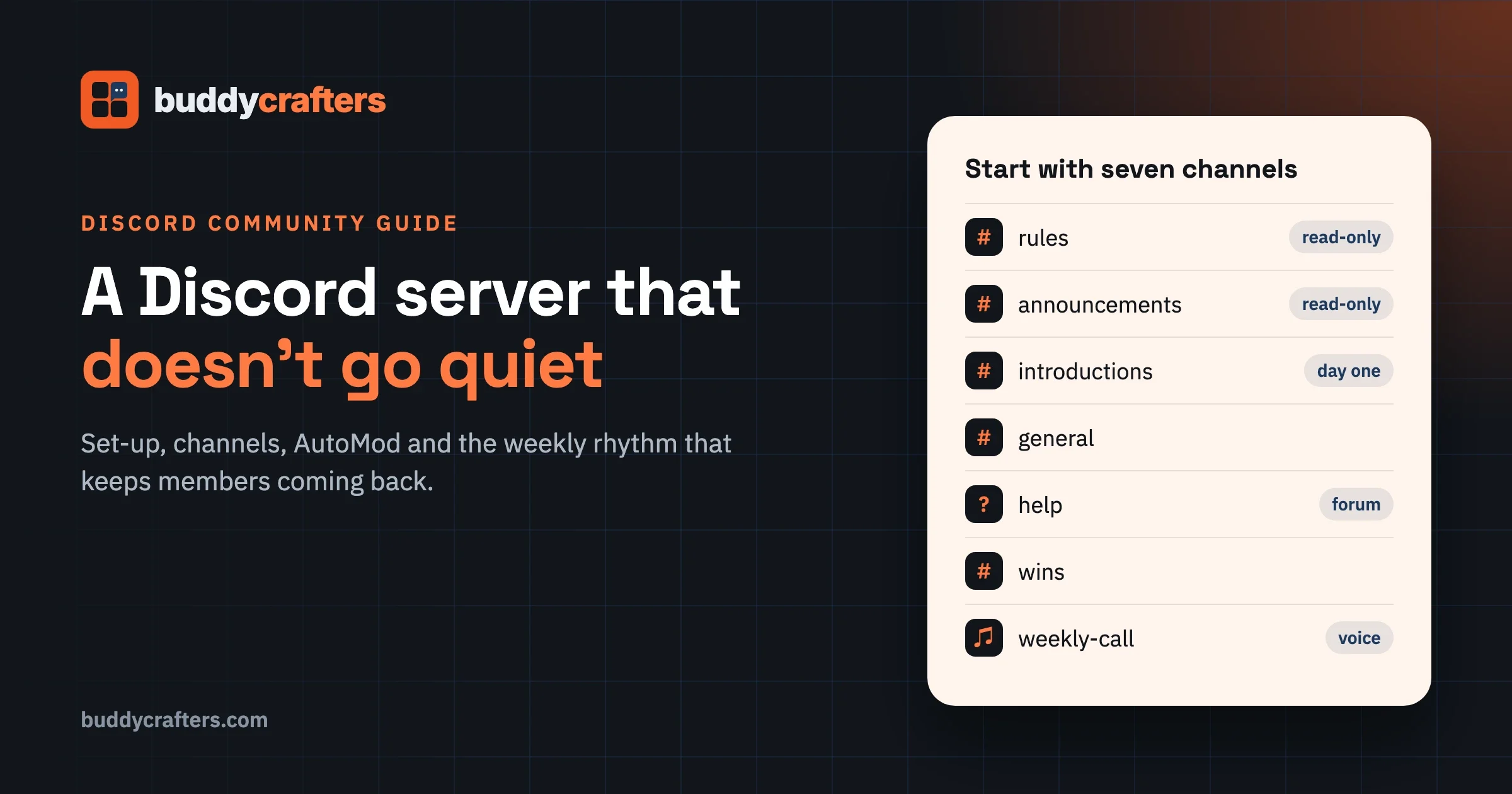
Discord has built-in Community Onboarding for servers with Community enabled. It shows new members a set of questions and default channels when they join, so each person lands somewhere relevant instead of facing a wall of channels.
- Default channels: Discord’s developer documentation says onboarding needs at least 7 default channels, with at least 5 that everyone can post in. Pick your most active, most useful channels.
- Customisation questions: ask members what they are interested in, and give them channels and roles based on the answers. Discord suggests keeping each question to a handful of answers.
- Server Guide: part of onboarding, with a welcome sign from you, 3 to 5 tasks for new members, and resource pages built from read-only channels.
For a personal message, many servers add a welcome bot that posts in a #welcome channel or sends a direct message. Keep the bot’s message to template 10 or 2, and make sure a human replies to introductions; a bot greeting followed by silence feels worse than no greeting at all.
How do you welcome new members on Slack?
Slack’s Workflow Builder can send a welcome automatically when someone joins a channel. Create a workflow, choose the “new channel member” trigger, address the message to the person who joined, and use variables to include their name.
- Point the workflow at your main channel, so everyone who joins gets it.
- Add a short form asking for a one-line bio, and post the answers into a #introductions channel. It gives members a reason to say hello to each other.
- Workspace admins can turn off Slack’s default “joined the channel” notices separately, which keeps busy channels tidy.
How do you welcome new members on Skool?
Skool has an AutoDM setting that sends a direct message to each new member. Skool’s help centre says you can personalise it with #NAME# and #GROUPNAME#, and preview it before saving.
- Third-party guides describe it as one message, so treat it as the first touch and plan the rest of the week yourself.
- Check the length and plan details in your group settings, as these can change.
- Keep the AutoDM short (template 10 or 2) and point to one classroom module or one post, not the whole group.
How do you welcome new members on Circle?
Circle offers Workflows for automations inside your community. Check whether your plan’s workflows include a trigger for a member joining, and use it to send template 2 as a direct message.
If you need more than your plan includes, Zapier’s Circle integration has a “new member added” trigger that can send a direct message, including a delayed follow-up the next day. A second, delayed message is often the one that gets the first post.
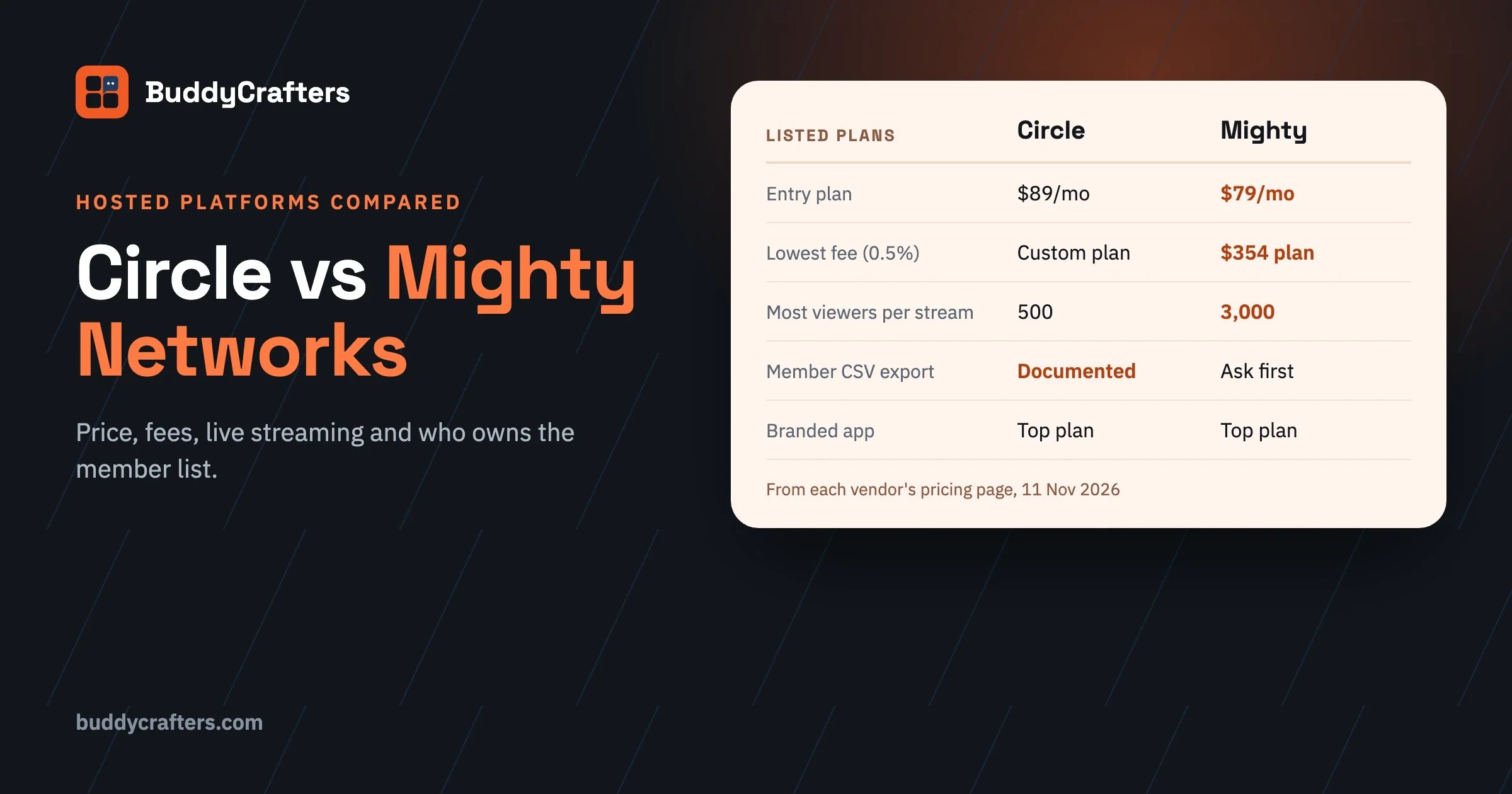
Still choosing between hosted apps? Our Circle vs Mighty Networks comparison covers prices and features side by side.
How do you welcome new members on your own website?
On your own site you control the whole journey, which is the advantage and the work. You need three pieces: a welcome email sent on sign-up, a welcome page or pinned post that tells people what to do first, and a person who replies to introductions.
- Use template 3 for the sign-up email and template 9 for the pinned introduction thread.
- Send the welcome email from a real name and a reply-to address someone reads.
- Add a short follow-up on day two and day five (the plan below), from your email tool or your community software.
Our free Community Launch Checklist includes the onboarding set-up steps for a new site, whichever software you use.
The first 7 days: a day-by-day welcome plan
A single welcome message is a start, not a plan. The aim of the first week is simple: get each new member to do one small thing, then a second. Members who take part early are far more likely to stay.
Day | What to send or do | Goal |
|---|---|---|
Day 0 (joining) | Welcome message with one action | They know what to do first |
Day 1 | Reply to their introduction by name, and tag one member they’d like to meet | A first connection |
Day 2 | Point them to the single most useful post or resource | A first “this is worth it” moment |
Day 3 or 4 | Invite them into one live thread or weekly ritual | A second contribution |
Day 5 | Invite them to the next event or live session | A reason to come back at a set time |
Day 7 | A short check-in: “How’s your first week? Anything you were looking for and didn’t find?” | Feedback, and a door left open |
You do not need software for this at first. A spreadsheet of who joined, when, and what they have done is enough for the first few dozen members a week. Automate the parts that stay the same (days 0, 2 and 7); keep days 1 and 3 personal.
A check-in message for day 7
Hi [name], you’ve been with us a week now. How’s it going? If there’s something you came here for and haven’t found yet, tell me and I’ll point you to it, or we’ll start it.
The answers to that one question will tell you more about what your community is missing than any survey.
A short welcome email sequence for the first week
If your community runs on its own site or sends email, these four messages cover the week. Keep each one to a few sentences and one link. For the full seven-email version that runs to day 30, with every email written out and ready to edit, get our free Member Onboarding Email Sequence.
When | Subject line | The one link |
|---|---|---|
On joining | You’re in, [name]. Here’s where to start | The introductions thread |
Day 2 | The three posts members say helped most | Your best resource post |
Day 5 | Join us on [day] for [event] | The event page |
Day 7 | How’s your first week going? | None: ask them to reply |
Should you run a welcome call for new members?
Yes, once you have enough new members each month to fill one. A short group call, 20 to 30 minutes, once or twice a month, does what no message can: new members hear a real voice, see each other’s faces, and leave knowing at least one other person by name.
A simple running order works on any video tool:
- Five minutes from you: why the community exists, and the one or two things members get most from it.
- Ten minutes of introductions: name, where they are, and one thing they hope to get help with. Keep each to a sentence or two.
- Five minutes on where things are: share your screen and show the three places they will use most.
- Close with a pairing: suggest two people who should talk, based on what they said, and post the pairs in the community afterwards.
Record nothing and keep it informal. People speak more freely when they know it is not going on a replay page. If time zones make a live call hard, a short recorded video from you, pinned at the top of the welcome thread, gets you part of the way.
Should you automate welcome messages?
Automate the first touch, never the whole welcome. An automatic message makes sure nobody is ignored, especially when people join at night or in a busy week. But the moment that makes a new member stay is a person replying to them.
Automate | Keep personal |
|---|---|
The instant welcome message or email | Replies to introductions |
The day-2 “best posts” message | Tagging someone they should meet |
Event reminders | Answering their first question |
The day-7 check-in (sent from a real name) | Following up on what they said they wanted |
As a community grows, hand the personal parts to a small welcome team: three to five active members who greet newcomers and answer first posts. Recognise them publicly. It is usually the most rewarding job in a community, and it scales the part no automation can.
Welcome mistakes that cost members
Mistake | What happens | Do this instead |
|---|---|---|
Welcoming in a weekly batch, days later | The newcomer has already decided it’s quiet | An instant first touch, then the batch post |
Ten links and the full rules | Nothing gets clicked | One action, one link |
Asking for a long introduction | Most people never post it | Two or three short prompts |
A bot welcome and no human reply | Feels automated and empty | A person replies within a day |
Same message to everyone, forever | Reads like a form letter | Rewrite it every few months from what new members actually ask |
How do you know your welcome is working?
Count actions, not sign-ups. Three numbers tell you most of what you need:
- First-week action rate: the share of new members who post, reply or introduce themselves within seven days.
- Time to first reply: how long a newcomer’s first post waits for an answer. Aim for the same day.
- 30-day return: the share of new members who come back after their first month.
Change one thing at a time (the wording of the welcome, the first action you ask for, the day-2 message) and watch whether the first-week action rate moves. Small wording changes to the welcome often make a visible difference, because it is the one message every member reads.
For the bigger picture of what keeps a community active after the first week, read our guide on how to build an online community.
Where our tools fit
BuddyCrafters is part of Wbcom Designs, which makes community software, so here is where it comes in. Everything above works on any platform, including the hosted apps and free groups, and you do not need anything from us to use it.
If you run your community on your own website, our BuddyNext is a self-hosted community engine for WordPress, so the welcome email, onboarding page and member data all sit on your own site. If you are still choosing where your community should live, the free Platform Finder Scorecard compares hosted apps, social groups, course platforms and your own site.
Frequently asked questions
How soon should you welcome a new member?
Within a few hours if you can, and the same day at the latest. The first visit is when a newcomer decides whether the community is active. An automatic first message covers the hours when nobody is online.
Should welcome messages be public or private?
Both, for different reasons. A public welcome shows everyone the community is active and gives newcomers a thread to reply to. A private message feels personal and gets more replies. If you can only do one, send the private one.
Should you tag every new member in a welcome post?
Yes, while the numbers allow it, because a tag sends a notification and brings people back. Once a weekly post would tag more people than your platform allows, switch to tagging the newest members and pinning a standing welcome thread.
How long should a welcome message be?
Short enough to read on a phone without scrolling: three to five sentences. Put the one action in the middle, where it is hard to miss.
What if new members never reply?
Most will not, and that is normal. Make the first action smaller (react to a post, answer a yes or no question), send the day-2 and day-7 messages anyway, and look at whether the members who do reply stay. Those are the people your welcome is really for.
Get the launch checklist
Welcomes are one part of getting a community started. Our free Community Launch Checklist covers all 38 steps of the first 90 days, from founding members to the numbers worth watching, on any platform. More free resources are on the Resources page.
Plugins we build and run
We maintain these ourselves, which is why we can support them on your site.
- BuddyNextThe self-hosted community engine for WordPress
- BuddyXFree community theme, Pro when you outgrow it
- ReignPremium community theme. Add pieces, build anything
- JetonomyCommunity forum and Q&A for WordPress
- EventonomyEvents and RSVPs for WordPress communities
- LearnomyCourses and learning communities on WordPress
- ListoraDirectories and listings your members can browse
- SnipShareCode sharing built for developer communities
- WB Ad ManagerAd placements that turn traffic into revenue
- WP Career BoardA job board your community actually uses
- WP Sell ServicesSell services with offers, orders, and payouts
- MediaVersePhotos, video, and media albums for members
- WB GamificationPoints, badges, and rewards that keep members active
- Product RoadmapPublic roadmaps with voting your users trust